How to Force Your MacBook to Stop Charging at 80% (Just Like Your iPhone)
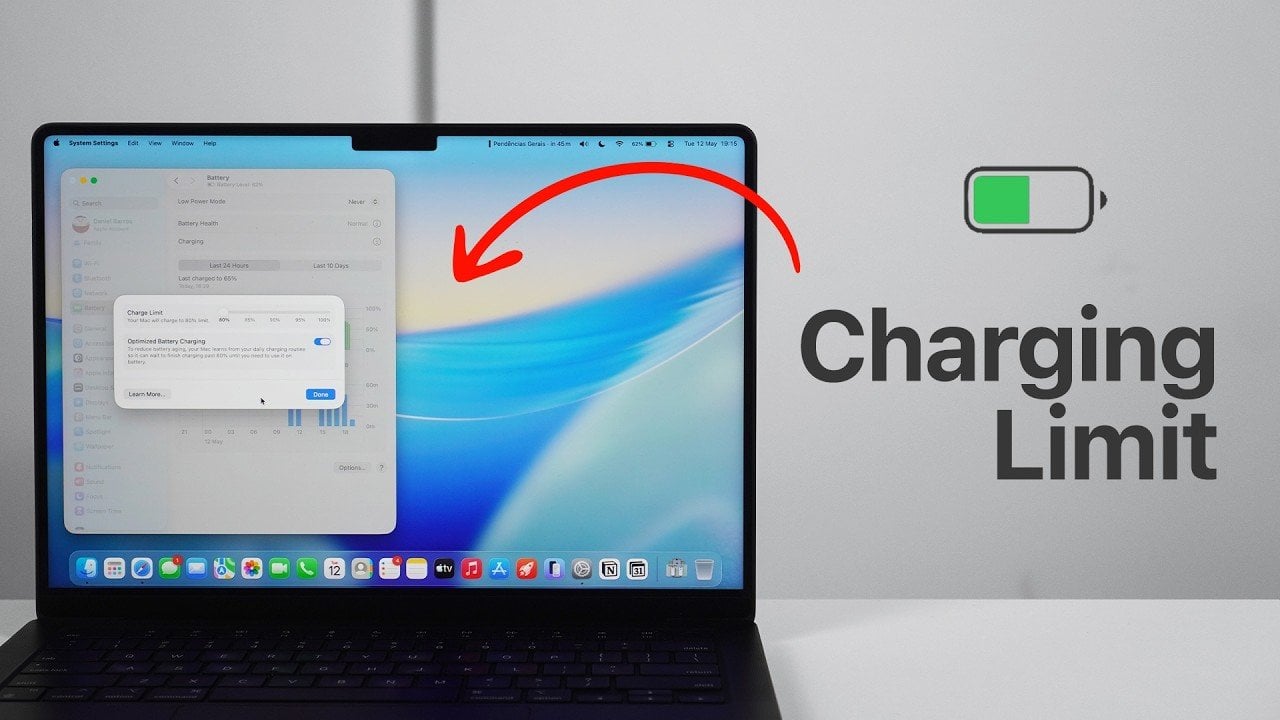
News Source : Geeky Gadgets
News Summary
- macOS 26.4 (MacOS Tahoe) and later versions introduce advanced charging features designed to reduce battery degradation.
- These tools allow you to set a charging limit and enable optimized battery charging, giving you greater control over your device’s battery management.
- To take advantage of these advanced battery management tools, ensure your MacBook is updated to the latest version of Apple's operating system.
- The video below from Daniel About Tech provides a detailed explanation of these features, their benefits, and how to use them effectively.
Maintaining your MacBooks battery health is essential for making sure consistent performance and extending its overall lifespan. With the release of macOS 26.


















 Never miss a story from us, subscribe to our newsletter